Somewhere around your second microphone purchase, someone will tell you that you need an audio interface. Sometimes they are right. If you are tracking a singer with a condenser mic, or layering guitar parts at midnight while the rest of the house sleeps, the small box between your mic and your laptop is doing real work. If you make beats entirely inside the computer with samples and soft synths, it might be doing almost nothing at all. Here is how to tell the difference, and three interfaces under £200 that are actually worth the money.
When an interface earns its place
An interface does three jobs: it converts analogue signals to digital, it provides clean gain for microphones, and it gives you a low-latency driver so you can hear yourself while you play. You genuinely need one if:
- You record with an XLR microphone, particularly a condenser that needs +48V phantom power.
- You plug a guitar or bass straight in and want to hear it through an amp plug-in without a distracting delay.
- You want a proper headphone output with its own volume control, separate from the main outputs.
- You feed studio monitors and need a physical knob to reach for when the phone rings.
- You are tired of the hiss, hum and thin sound of a laptop's 3.5mm input — that socket is designed for headsets, not music.
You can safely skip one if you use a USB microphone, an all-USB MIDI keyboard, or you work entirely with samples and virtual instruments. A USB mic already contains an interface; buying a second one just to plug it into adds nothing. Likewise, if your sessions never involve a live microphone or an instrument cable, spend the money on headphones or a better desk instead.
What your money buys at this price
Under £200 you are shopping for three things, and no single box gets all three right at once. The preamps should be quiet enough that you can turn them up for a dynamic mic without hearing a wall of hiss. The converters should be transparent — this is the least of your worries in 2025, because even cheap converters are decent now. And the drivers should be stable, because a driver that drops out mid-take ruins your evening.
Ignore the sample-rate headline. Any interface claiming 192kHz will record perfectly well at 24-bit / 48kHz, which is what most people actually use. What matters far more is how the gain knob behaves, whether there is a direct-monitoring switch, and whether the manufacturer still updates drivers for your operating system.
Tip: a £100 interface with a rock-solid driver will outperform a £250 one with a buggy one, every single time you sit down to record.
Three options worth your money
Focusrite Scarlett Solo (4th Gen)
The default recommendation for a reason. One XLR input, one instrument input, a gain knob with a colour-coded halo so you can see your level from across the desk, and a headphone socket with its own control. The preamp is clean and has plenty of usable range, and Focusrite's Air mode adds a little presence to dull-sounding dynamic mics — subtle, but useful on a Shure SM7B-style voice mic.
Ease of setup: genuinely the easiest here. Focusrite's registration process walks you through driver installation and bundled software, and the drivers have been reliable across Windows and macOS for years. Watch out for: only one microphone input, so no stereo pair of condensers and no recording two people at once.
Audient EVO 4
The best preamp of the three, in my view. Audient borrows the circuit design from its much pricier console-style preamps, and it shows on quiet sources — a ribbon mic or a soft acoustic guitar will sound noticeably fuller than through cheaper boxes. There is one mic input and one instrument/line input, so it suits a solo songwriter rather than a duo.
Ease of setup: the Smartgain button is the standout feature. Press it, play or sing for ten seconds, and the interface sets its own input level. For anyone who has never set gain before, that alone justifies the price. A loopback function also lets you capture computer audio, which streamers and podcasters will appreciate. Watch out for: the single mic preamp limits you later, and the small plastic knobs feel less substantial than the metal ones on the Scarlett.
Behringer UMC202HD
Two combination inputs, two Midas-designed preamps, phantom power, direct monitoring and a metal chassis. That is a serious amount of hardware for the money, and it is the only one of the three that lets you record two microphones simultaneously — handy for a guitar-and-vocals session or a two-person podcast.
Ease of setup: the weak point. The Windows driver occasionally needs a clean reinstall, and you may have to hunt for firmware updates. On macOS it is class-compliant and simply works. Watch out for: unit-to-unit consistency. Check yours thoroughly within the returns window — listen for noise on the inputs and wiggle the XLR connectors. If you get a good one, it is tremendous value. Honourable mentions: the M-Audio M-Track Duo and Arturia MiniFuse 2 both sit in the same bracket.
Latency is mostly about drivers, not the box
Every one of these can track comfortably with imperceptible delay if you set it up properly. Do this:
- Install the manufacturer's driver before plugging in, on Windows at least. The generic Windows audio driver is the single biggest cause of latency complaints.
- Select the ASIO driver in your DAW, not "Primary Sound Driver". This one setting can cut delay from 60ms to 6ms.
- Set your buffer to 128 or 256 samples while recording. If you hear crackles, raise it. If you feel lag, lower it.
- Use direct monitoring for tracking. You hear the input before it goes through the computer, so there is no delay at all. Monitor through the DAW only when you need plug-in effects.
- Match sample rates everywhere — interface, DAW and Windows sound settings. Mismatched rates cause crackles and pitch wobbles.
- Close browsers and chat apps. They grab the audio device and cause dropouts more often than any driver bug.
Which one should you buy?
- Recording one mic and an instrument: Focusrite Scarlett Solo. Fewest headaches.
- Want the nicest sound with no gain-setting guesswork: Audient EVO 4.
- Need two mic inputs on a tight budget: Behringer UMC202HD, bought somewhere with an easy returns policy.
Before you click buy
Buy from a retailer that accepts returns, and test properly within the first fortnight: record ten minutes of silence with the gain turned up and listen back for hum, then wiggle every cable while watching your meters for dropouts. If you hear buzzing, try a different USB port on the machine itself rather than a hub, and avoid running a long unbalanced cable past a monitor's power supply.
Also accept what an interface cannot fix. It will not improve your room, your microphone technique or your playing. If your recordings already sound thin or boxy, the answer is usually mic placement and a couple of duvets behind the singer, not a new box. Buy the interface when you have something worth plugging into it, and any of these three will serve you for years.
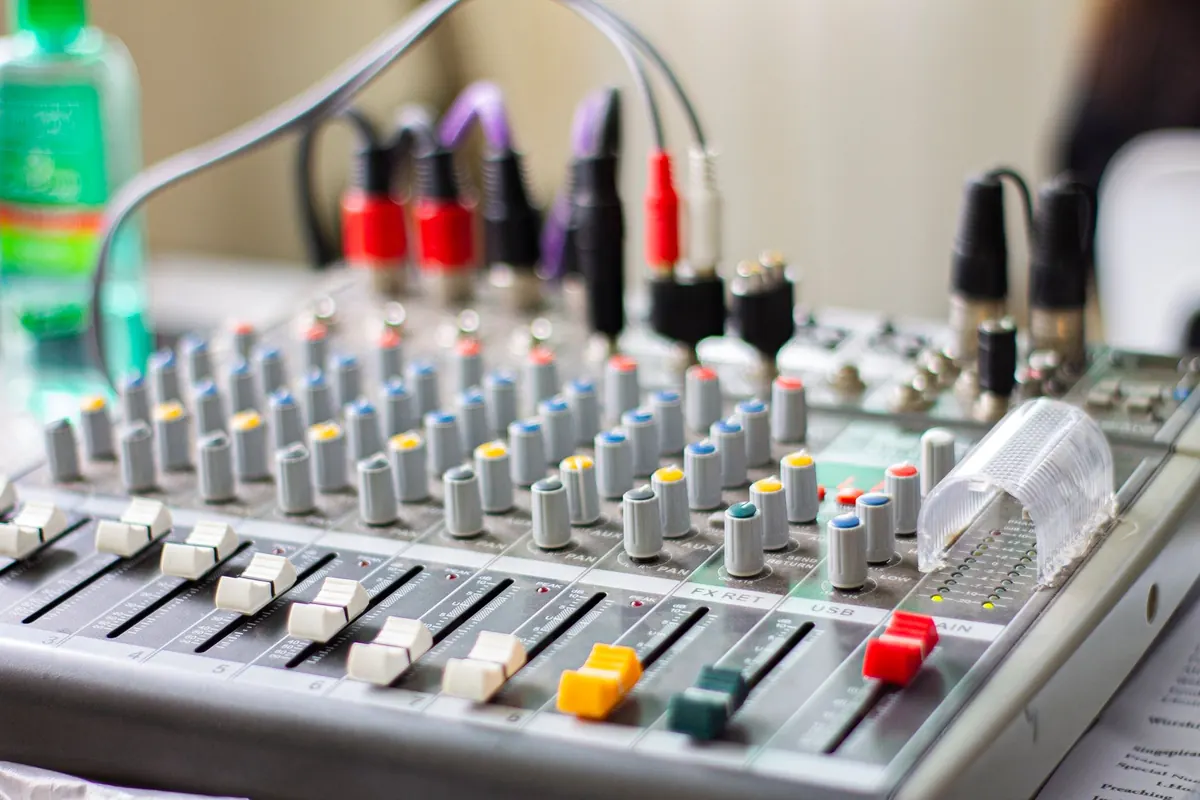
Photo: Nothing Ahead / Pexels